
To download 1win, first choose the route for your device. Android can use a verified APK; iPhone needs a checked iOS route or Safari web access. On a computer, the browser lets you inspect the service first. Windows is also promoted, but advertising does not replace verifying a particular installer.
This page follows the process from beginning to end. Before installing, check legal availability for your Argentine location, the access address and your recovery methods. Afterwards, inspect currency and account details. Downloading is a technical task: it does not establish an active bonus, support for a payment method or approval of a withdrawal.
Published USD₮ offer; account eligibility and rules apply.
Before starting: requirements and preparation
Use an updated system, a stable connection and enough storage for temporary files. Exact requirements should match the current release rather than an old screenshot. Confirm access to recovery email and phone before closing a session that still works.
| Device | First check |
|---|---|
| Android | Package source, compatibility and permissions. |
| iPhone | Updated Safari or a verified regional listing. |
| Computer | Correct browser and address. |
Downloading on Android in five stages
Choose the correct package
- Open the application section from a verified entry point.
- Choose Android and inspect the destination.
- Wait for completion; an APK extension does not authenticate a file.
Install and open
- Review the system prompt, permissions and compatibility while keeping Play Protect enabled.
- Open the completed installation and check the expected account.
Resolve managed-device restrictions or security warnings before continuing. The Android guide covers specific errors.
iPhone access in four stages
- Open the verified website in Safari and check availability for your location.
- Use Share and find Add to Home Screen.
- Select Open as Web App if offered and confirm the name.
- Open the icon and inspect the session.
This creates web access rather than proving a native download. If App Store is offered, verify publisher and region. No APK, unknown profile or account-country change is required. The iOS guide explains the distinction.

What I check after downloading
I first sign into my existing account. Before transactions, I inspect currency, personal information, pending identification and sessions. For Argentina, ARS means Argentine pesos; a balance denominated in USDT remains USDT even when I think about my budget in pesos.
I then review history and available limits. If a promotion is active, I read its conditions before depositing. Installation does not credit money or replace registration checks and deposit and withdrawal rules.
Computer: begin in the browser
The browser allows reading terms and checking an account without adding an installer. Any Windows client offered should be verified before execution. For Mac, I do not assume a current native release exists.
An Android emulator is not required to open a website. Nor do I move installation files between incompatible systems and expect them to work. I favour an access route whose identity and update process I can understand.

Download problems: quick diagnosis
| Problem | Initial action |
|---|---|
| Interrupted download | Check connection and restart only the file. |
| File will not open | Check device, format and completion. |
| Security warning | Stop and verify provenance. |
| Rejected sign-in | Check credentials and recovery. |
| Apparently pending operation | Inspect history before repeating. |
Keep the exact message and time if contacting support. Hide private information in screenshots and never send a password or access code.
Practical benefits and remaining friction
What helps
Separate device routes avoid irrelevant downloads. The browser supports an initial inspection, and a saved entry can make returning easier.
What needs attention
An external package adds source and update checks. An iPhone website may require renewed sign-in. For me, finishing with a clear, verified origin matters more than achieving an advertised number of seconds.
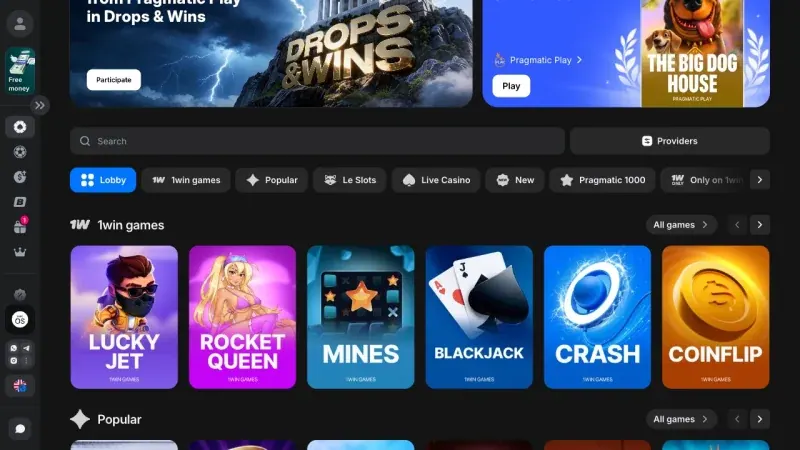
Explore the games
All Dice
Dice Penalty
 Limbo
Limbo Coinflip
 Crypto Merge
A look at the catalogue

Frequently asked questions
Do I need another account after installation?
Installation does not require a new account. Use your existing one and recovery if you cannot sign in.
Can I use a file sent through messaging?
Prefer the verified product channel. A forwarded file makes provenance harder to establish.
How long does it take?
That depends on connection, current package and device. There is no verified universal completion time.
Must I deposit to check that it opens?
No. Opening the interface and checking account access are separate from depositing.